
The arrival of Forza Horizon 6 marks a new chapter for Playground Games’ open-world arcade racing franchise, especially for players using Fanatec direct drive wheel bases. With the Horizon Festival heading to Japan for the first time, the new title delivers more refined driving physics, improved wheel feel, and a more ambitious multiplayer experience.
The wide variety of surfaces and driving styles led Playground Games to keep the default wheel settings relatively conservative. However, Fanatec has published a set of recommended adjustments designed to improve force feedback behavior across its direct drive ecosystem.
According to the company, the updated self-aligning torque signals make countersteering feel more natural and allow smoother drift transitions, particularly in rear-wheel-drive cars.
Force Feedback and Wheel Support Improvements
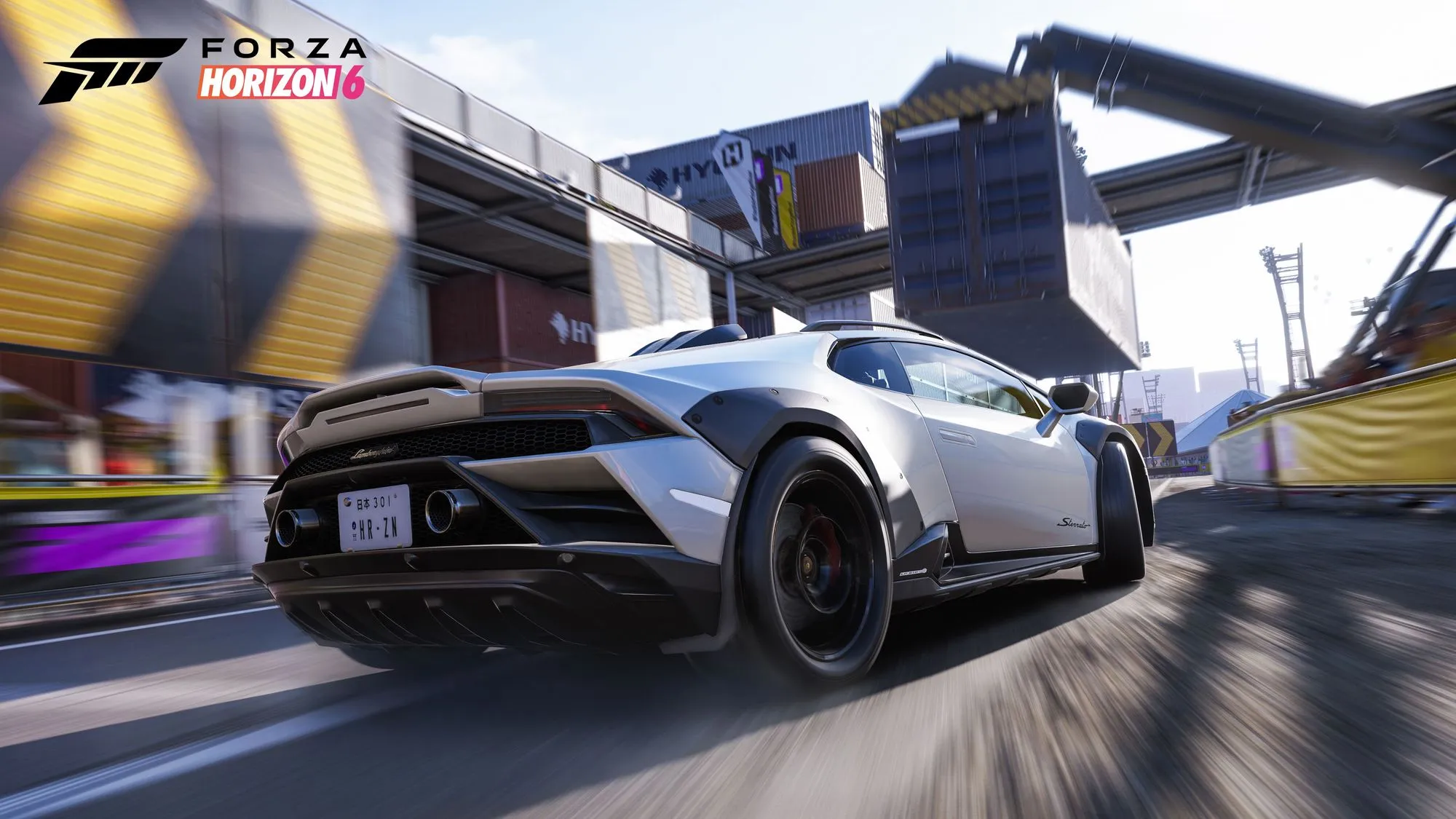
Although Forza Horizon remains focused on accessibility and gamepad-friendly gameplay, the sixth installment introduces several improvements for sim racing hardware users.
Some of the most notable upgrades include:
- Cockpit steering animation of up to 540 degrees depending on the vehicle.
- Improved weight transfer and grip-loss feedback.
- More progressive response across mixed surfaces.
- Larger multiplayer sessions with structured open-world events.
Fanatec also notes that the recommended settings are intended to provide a balanced baseline for different driving styles, while still allowing further customization for drifting or high-speed road racing.
Recommended Fanatec Settings for PC
For all wheel bases, Fanatec recommends enabling:
In-game settings:
Difficulty → Steering → Simulation
Under Advanced Controls:
- Invert Force Feedback: Off
- Wheel Damper Scale: 0.2
Podium DD1 / DD2
SEN AUTO
FFB 60
FFS PEAK
NDP 30
NFR 0
NIN 0
INT 2
FEI 100
FOR 100
SPR 100
DPR 100
CSL DD / GT DD Pro
SEN AUTO
FFB 100
FFS PEAK
NDP 20
NFR 0
NIN 0
INT 3
FEI 100
FOR 100
SPR 100
DPR 100
ClubSport DD / DD+
SEN AUTO
FFB 70
FUL 50
NDP 20
NFR 0
NIN 0
INT 3
FEI 100
FOR 100
SPR 100
DPR 100
Podium DD (2026)
SEN AUTO
FFB 60
FUL 50
NDP 20
NFR 0
NIN 0
INT 3
FEI 100
FOR 100
SPR 100
Recommended Fanatec Settings for Xbox Series X|S
On console, the internal settings differ slightly from the PC version.
In-Game Settings
Difficulty → Steering → Simulation
Advanced Controls:
- Invert Force Feedback: Off
- Force Feedback Scale: 1.5
- Wheel Damper Scale: 0.2
- Steering Rotation: 1440
Podium DD1 / DD2
SEN 1440
FFB 60
FFS PEAK
NDP 30
NFR 0
NIN 0
INT 2
FEI 100
FOR 100
SPR 100
DPR 100
CSL DD / GT DD Pro
SEN 1440
FFB 100
FFS PEAK
NDP 20
NFR 0
NIN 0
INT 3
FEI 100
FOR 100
SPR 100
DPR 100
ClubSport DD / DD+
SEN 1440
FFB 70
FUL 50
NDP 20
NFR 0
NIN 0
INT 3
FEI 100
FOR 100
SPR 100
DPR 100
Podium DD (2026)
SEN 1440
FFB 60
FUL 50
NDP 20
NFR 0
NIN 0
INT 3
FEI 100
FOR 100
SPR 100
Available starting May 19, 2026 for Xbox Series X|S and PC — with Premium Edition early access beginning on May 15 — the game is also scheduled to launch on PlayStation 5 later this year. Alongside a launch roster of more than 550 vehicles, Forza Horizon 6 introduces several wheel-focused improvements, including more consistent force feedback response and more accurate cockpit steering animations.
This website uses affiliate links which may earn a commission at no additional cost to you.