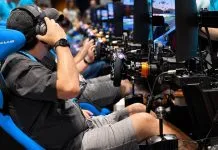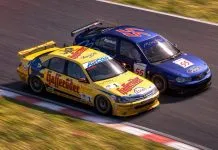

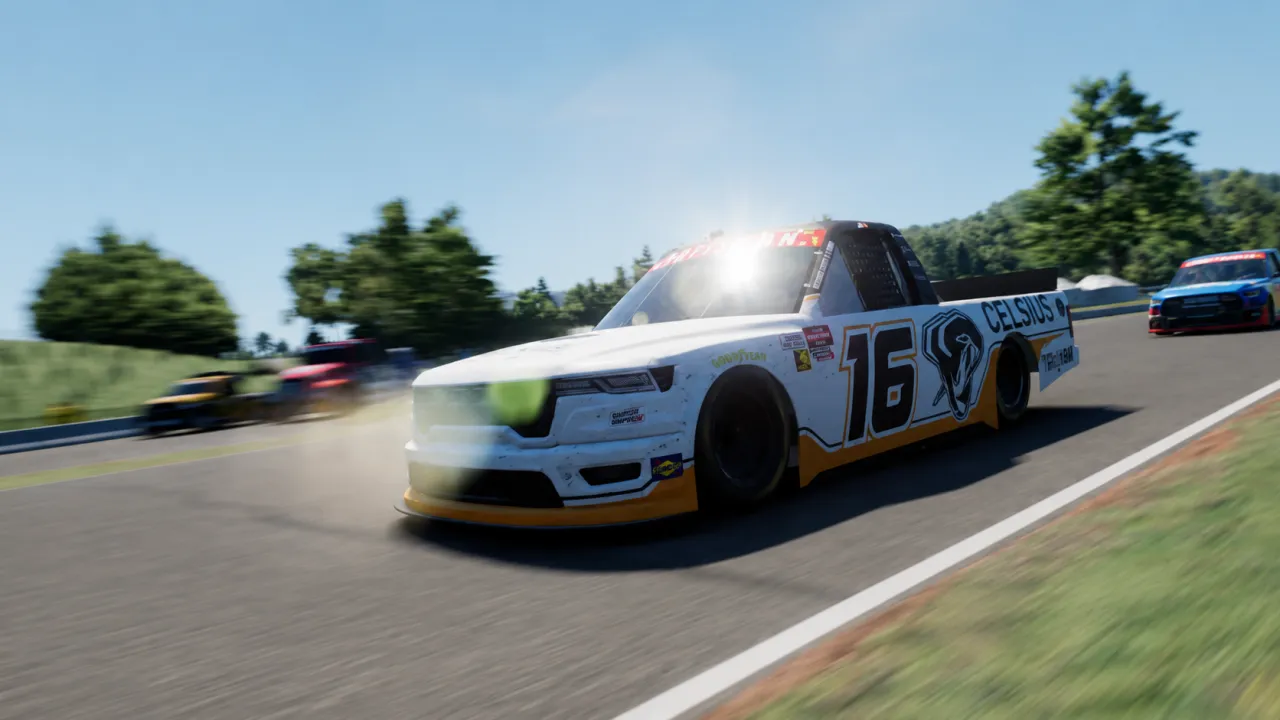

NASCAR 26 gives controller players considerably more control over steering, throttle and braking than previous NASCAR games, but the default settings can feel too nervous at high speed and overly sensitive during small corrections. These recommended controller settings provide a stable baseline for PS5, Xbox Series X|S and PC, with smoother steering on superspeedways, better throttle control on corner exit and more manageable braking on short tracks and road courses.
NASCAR 26 introduces its updated Driving Physics 2.0 model together with expanded input calibration options, which means controller setup has a bigger influence on how the car behaves. A configuration that works at Daytona also needs enough response for Bristol, Martinsville and the road courses, so simply removing all sensitivity is not the answer.
The settings below are intended as a balanced starting point rather than an absolute competitive setup. Different controllers, stick wear and driving styles can require small adjustments, particularly to steering dead zone and braking strength.
If you are using a steering wheel instead, check our NASCAR 26 best wheel and force feedback settings and the complete NASCAR 26 wheel compatibility list.
Best NASCAR 26 Controller Settings
These settings are designed to reduce the sudden steering movements that can make the car difficult to position in traffic while retaining enough response for short tracks and road courses.
| Steering Setting | Recommended Value |
|---|---|
| Non Linear | 30 |
| Dead Zone | 0 |
| Overshoot | 0 |
| Speed Sensitive Range | 100 |
| Speed Sensitive Non Linear | 40 |
| Reduce Dampening | 20 |
The most important setting here is the steering dead zone. A value of zero gives the stick immediate response and makes small corrections easier, which is particularly useful when trying to hold a lane at Daytona, Talladega or Atlanta.
If your controller has noticeable stick drift, increase the dead zone gradually to around 3–5. Avoid adding more than necessary because a large dead zone forces you to move the stick farther before the car reacts, which can create the exact jerky steering you are trying to eliminate.
Overshoot should remain at zero. For most controller players there is little reason to artificially extend the steering response beyond the physical stick input.
Throttle Settings
| Throttle Setting | Recommended Value |
|---|---|
| Rate | 100 |
| Non Linear | 50 |
| Dead Zone | 0 |
| Overshoot | 0 |
The throttle is particularly important in NASCAR 26 because the updated tire model makes aggressive corner exits easier to punish. A Non Linear value around 50 gives you more usable trigger travel before reaching full throttle, helping when the rear tires begin to lose grip during longer runs.
Leave throttle dead zone and overshoot at zero unless your trigger is damaged or registering an input when untouched. On most modern Xbox and DualSense controllers, zero provides the cleanest response.
Brake Settings
| Brake Setting | Recommended Value |
|---|---|
| Rate | 100 |
| Non Linear | 50 |
| Dead Zone | 0 |
| Overshoot | 0 |
| Strength | 75 |
Braking is one of the areas where controller users are currently having the most difficulty. NASCAR 26 makes it possible to lock the tires under heavy braking, and simply pulling the trigger fully at Martinsville, Bristol or a road course can destabilize the car.
Reducing brake strength to around 75 provides a useful margin while keeping full trigger travel available. The Non Linear setting at 50 also makes the first part of the trigger movement easier to control.
If you still lock the fronts regularly, lower brake strength in small steps before radically changing the rest of the brake curve. Some players also prefer reducing Brake Rate, but that can make the brake feel delayed and is therefore better treated as a secondary adjustment.
Recommended NASCAR 26 Driving Assists
For the most direct controller response, Driving Assist and Wall Avoidance can be left at zero. Stability Help is more personal because NASCAR 26 can become difficult on worn rear tires, particularly on short tracks and when accelerating from slow corners.
| Assist | Recommended |
|---|---|
| Driving Assist | 0 |
| Wall Avoidance | 0 |
| Stability Help | 0–15 |
Experienced players should start with Stability Help at zero. If the car is consistently snapping into oversteer on worn tires, adding roughly 10–15 can make the transition easier while you learn the new physics model.
Beginners can use more assistance temporarily, but it is better to reduce it gradually as throttle control improves. High stability assistance can mask what the rear tires are doing and can make it harder to learn when the car is approaching its grip limit.
How to Make Controller Steering Smoother
Controller technique matters almost as much as the numerical settings. One method that remains popular with NASCAR controller players is to keep the left stick pushed forward toward the 12 o’clock position and then roll it smoothly toward the left or right instead of moving directly sideways.
This gives your thumb a much larger physical range of movement. Instead of trying to make tiny corrections around the stick’s center point, you can effectively use the outer edge of the stick movement like a miniature steering wheel.
It can feel unnatural initially, but it is particularly useful on superspeedways where small movements at 190 mph can move the car half a lane. It also helps during long corners where constantly correcting left-right around the center of the stick can create unwanted oscillation.
How to Fix Twitchy Steering in NASCAR 26
If the car constantly darts left and right, the first thing to check is your steering dead zone. Community feedback since launch has repeatedly pointed toward values between zero and five as a better starting point than using a large center dead zone.
If zero feels too sensitive, try 3, then 5. Do not immediately jump to a large value because the lost movement around the center can make precise positioning more difficult.
If the problem remains, reduce the amount of steering response rather than increasing dead zone further. A slightly higher Non Linear value can make the initial stick movement less aggressive without creating a completely unresponsive center.
Superspeedway Controller Settings
Daytona and Talladega expose bad controller settings immediately. The objective is not maximum steering speed but the ability to hold a constant line while running inches from another car.
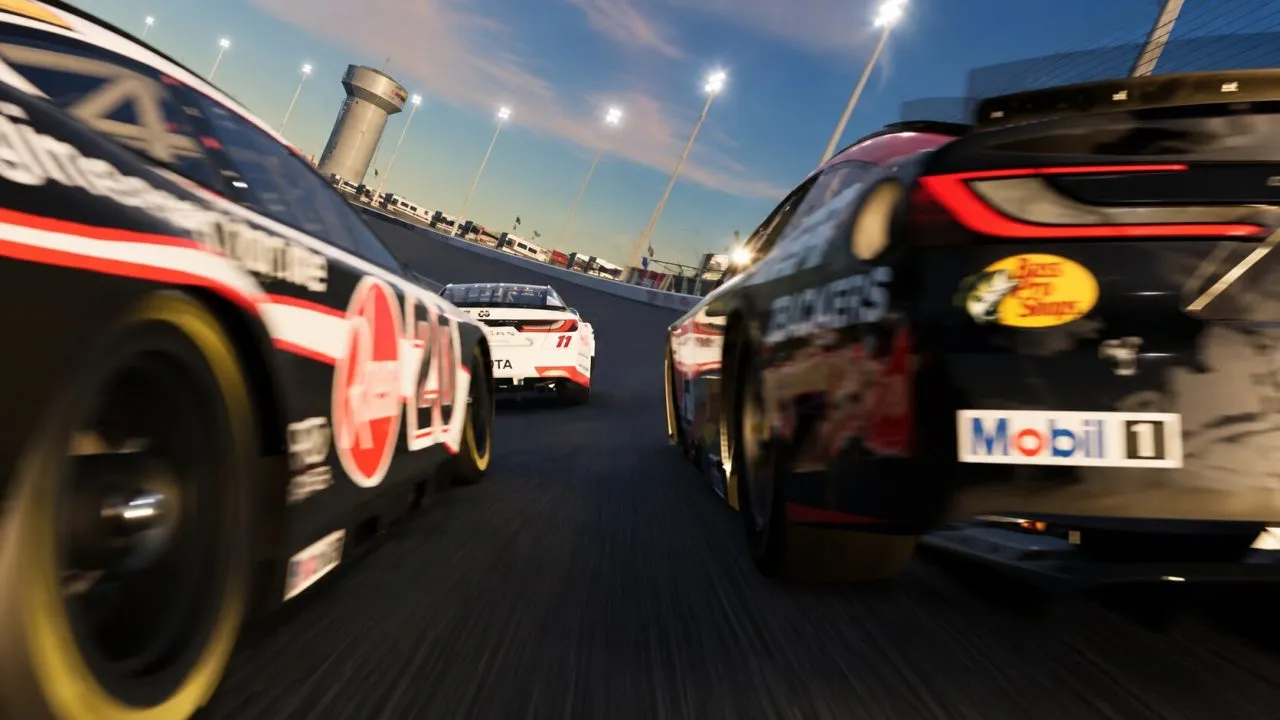
The recommended baseline above works well as a starting point, but you can increase Non Linear slightly if the car is still too nervous. Values around 35–40 can calm the center response while retaining enough steering range for lane changes and accident avoidance.
Do not compensate for nervous steering by adding a large dead zone. That makes the car feel stable while going straight but often causes a sudden jump in steering once the stick finally moves outside the dead area.
Short Tracks and Road Courses
Tracks such as Martinsville and Bristol need faster steering response than Daytona, while Watkins Glen and the road courses also require more precise braking and throttle application.
If the car feels reluctant to rotate, reduce Steering Non Linear from 30 toward 20–25. This gives the first portion of stick travel more influence and makes it easier to attack slow corners.
Road courses also benefit from keeping throttle and brake dead zones at zero. Smooth trigger control is more important here than at most ovals, particularly when trail braking into slower corners or accelerating while the car is still carrying lateral load.
What to Change If the Car Keeps Spinning
If you are losing the rear on corner exit, do not immediately blame the steering settings. NASCAR 26’s updated tire and throttle behavior means worn rear tires require progressively smoother throttle application.
Start by increasing Throttle Non Linear slightly from 50 toward 60. This provides more trigger travel in the lower portion of the throttle range and makes it easier to feed power in gradually.
You can also add approximately 10–15 Stability Help while learning the car. Once you can consistently complete long runs without spinning, begin reducing it again.
What to Change If the Car Will Not Turn
If the steering feels slow or the car refuses to reach the desired line, lower Steering Non Linear in small increments. Do not change several settings simultaneously because it becomes difficult to identify which adjustment improved the response.
It is also important to separate controller behavior from the car setup itself. NASCAR 26 allows extensive mechanical setup changes, and a car that is fundamentally tight in the middle of the corner will not be fixed completely through controller sensitivity.
The same applies to tire wear. Handling can change substantially over a run, so test controller settings with several laps on the tires rather than judging them exclusively from the first lap.
Are These Settings the Same on PS5, Xbox and PC?
The same general values can be used as a baseline on PlayStation 5, Xbox Series X|S and PC because the Advanced Controls system is part of NASCAR 26 itself. However, individual controllers can have slightly different stick and trigger behavior.
DualSense and Xbox controllers in good condition should generally be able to run a zero steering dead zone. Older controllers with stick drift may require 3–5 to stop unwanted inputs while driving straight.
On PC, NASCAR 26 also allows additional input mapping for supported XInput, GameInput and DirectInput devices. If you are using something other than a standard gamepad, it is worth confirming that the input is calibrated correctly before changing the advanced response curves.
NASCAR 26 has received several updates since launch, including patches addressing AI behavior, multiplayer, Career Mode and steering wheel-related issues. However, the September 25 update did not list any changes to gamepad steering, throttle or brake response.
That means the controller configuration above remains applicable to the current version of the game. We will update this guide if iRacing Studios changes the input model or introduces new controller calibration options in a future patch.
You can also follow the latest fixes in our NASCAR 26 patch coverage.
Final NASCAR 26 Controller Settings
For most players, the biggest improvement comes from reducing the steering dead zone, using moderate Non Linear steering and keeping throttle and brake curves smooth enough to control the new tire model.
Start with the values in this guide and test them over a full fuel and tire run rather than changing settings after only one or two laps. NASCAR 26 rewards smooth inputs, and the best controller configuration is ultimately the one that lets you repeat the same steering, braking and throttle movements lap after lap.
See you on the track!
This website uses affiliate links which may earn a commission at no additional cost to you.